Cookie Consent by FreePrivacyPolicy.com

RouteSmith

Your Mac companion for Garmin's zūmo XT, XT2 and XT3

RouteSmith is a native macOS app for Garmin zūmo motorcycle navigation devices. It connects to your device via USB and turns your Mac into a full management hub: transfer GPX files optimised for your device, view routes and waypoints, inspect and repair trip files, manage POIs and themes, design vehicle icons, and analyse recorded rides.

RouteSmith is for anyone who wants to get more out of their zūmo than Garmin's standard tools allow — and who prefers to keep their data local on their own Mac.

Important: RouteSmith is not a route planner. The app does not create or calculate routes itself. It helps you get your existing data onto your device in the best possible way, and lets you manage your device with ease.

Intro Video for RouteSmith


✨ What can the app do?

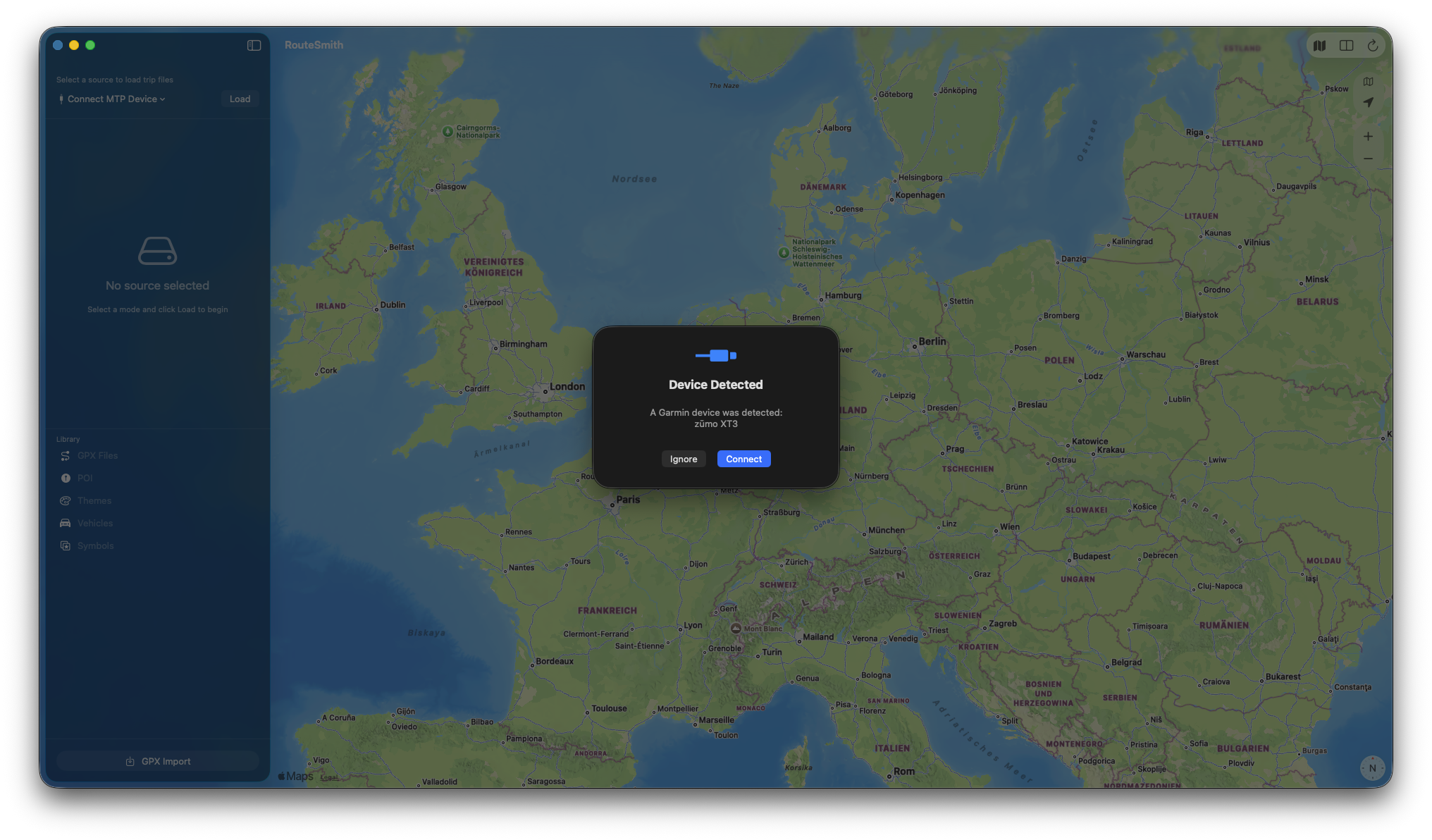
  • Direct device connection via MTP – RouteSmith connects directly to your zūmo via USB — no additional software like Android File Transfer, OpenMTP, iDroid, or MacDroid required.
  • GPX import for your device – A guided assistant prepares existing GPX files for your specific device and transfers routes, waypoints, and tracks. Optionally, ready-made trip files (.trip) with full Garmin routing information are created.
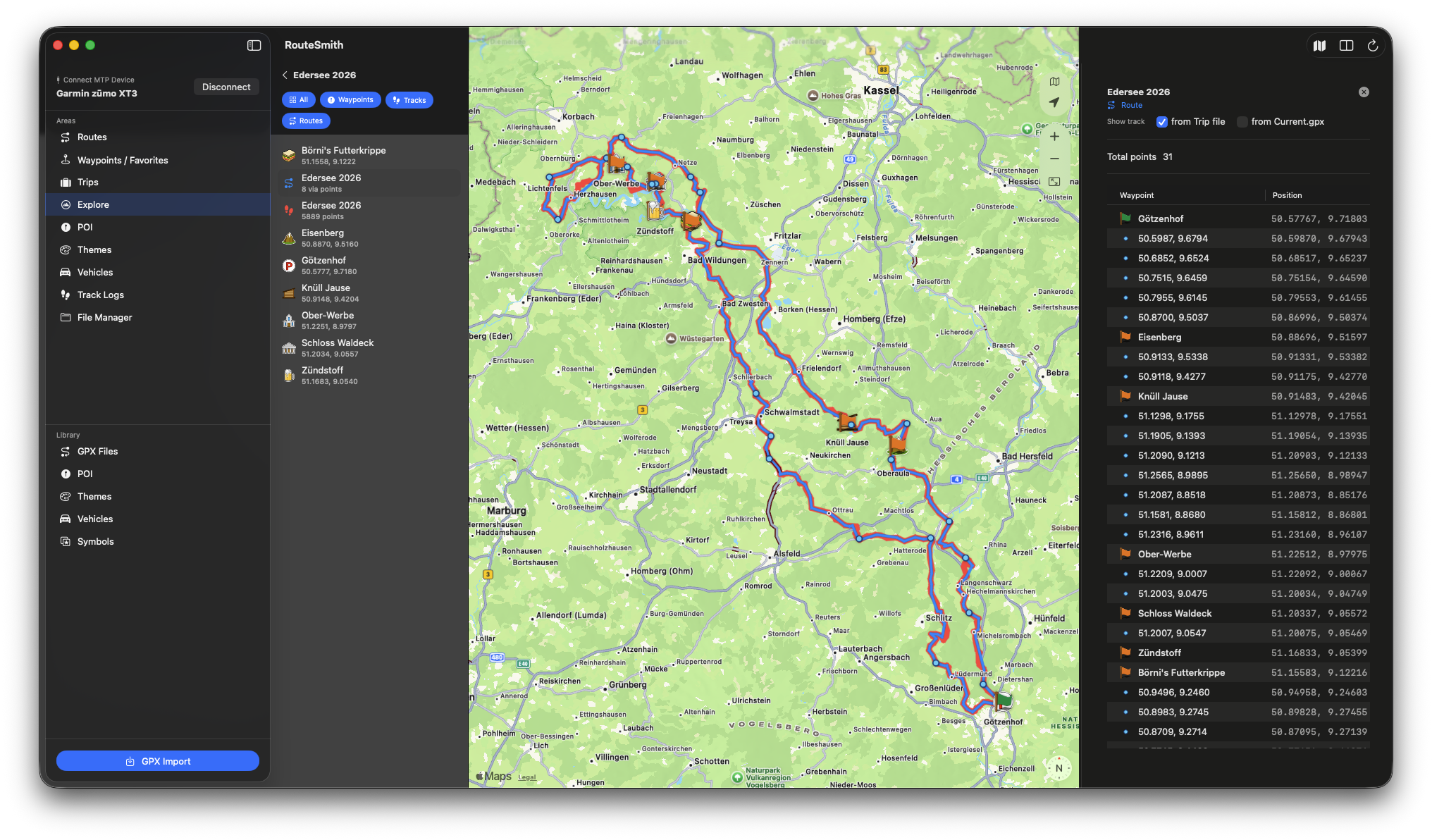
  • View routes & waypoints – Keep track of the routes and favourites stored on your device.
  • Inspect & repair trip files – Find, inspect, and fix problematic trip files.
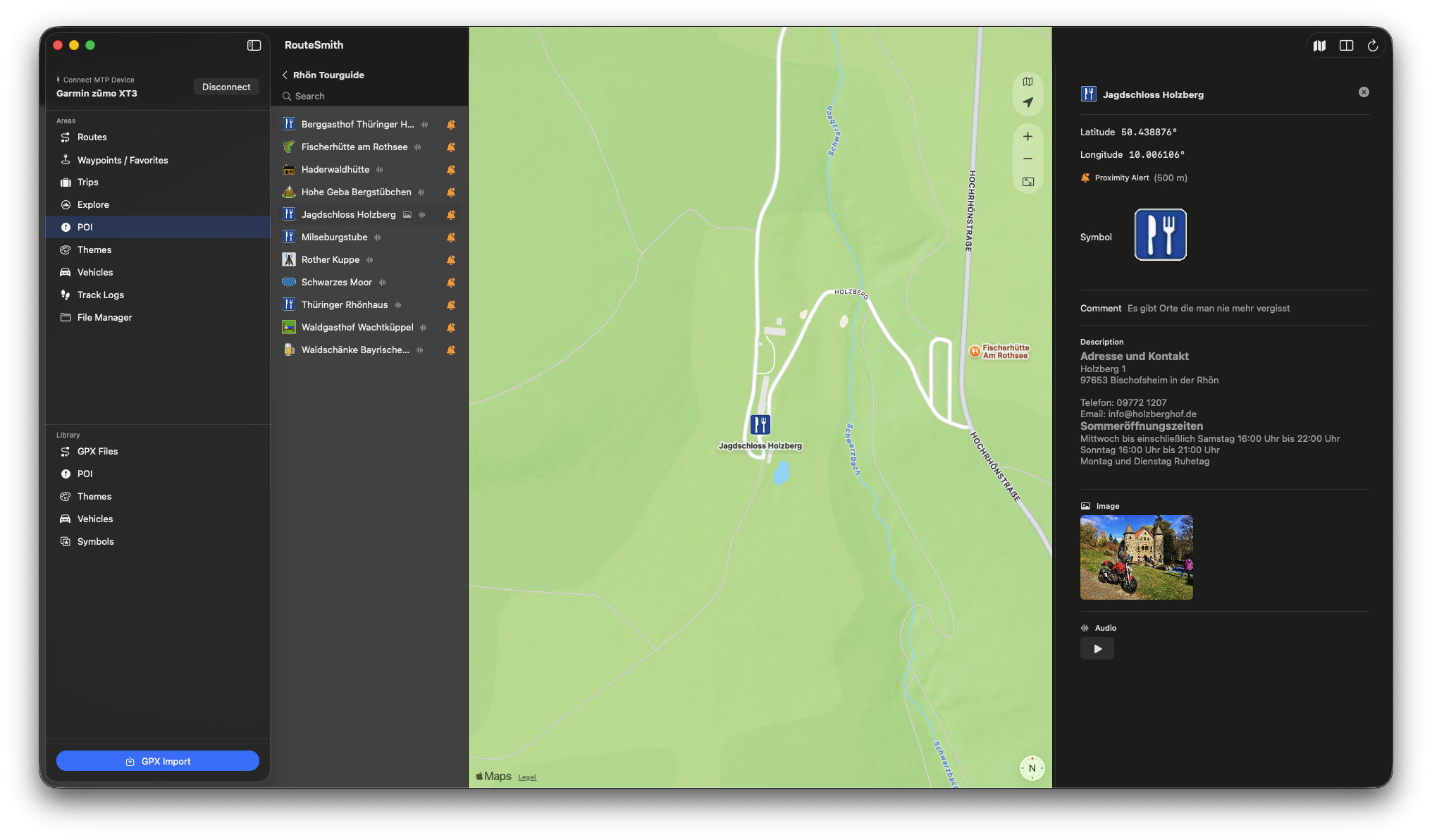
  • POIs (Points of Interest) – View .gpi files and create your own POI collections — including symbols, photos, and TourGuide audio.
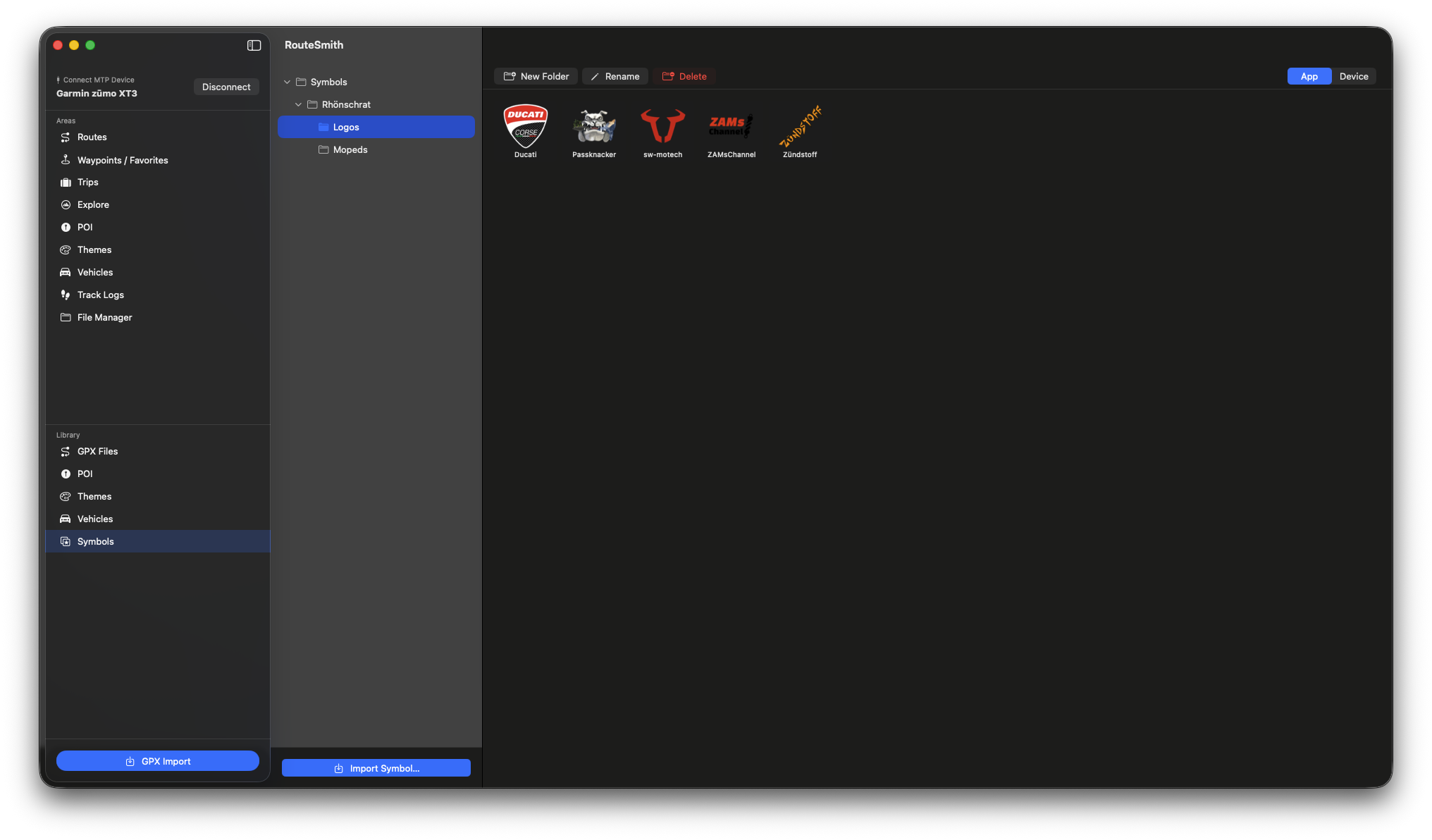
  • Custom symbols – Import waypoint symbols and embed them in POI files.
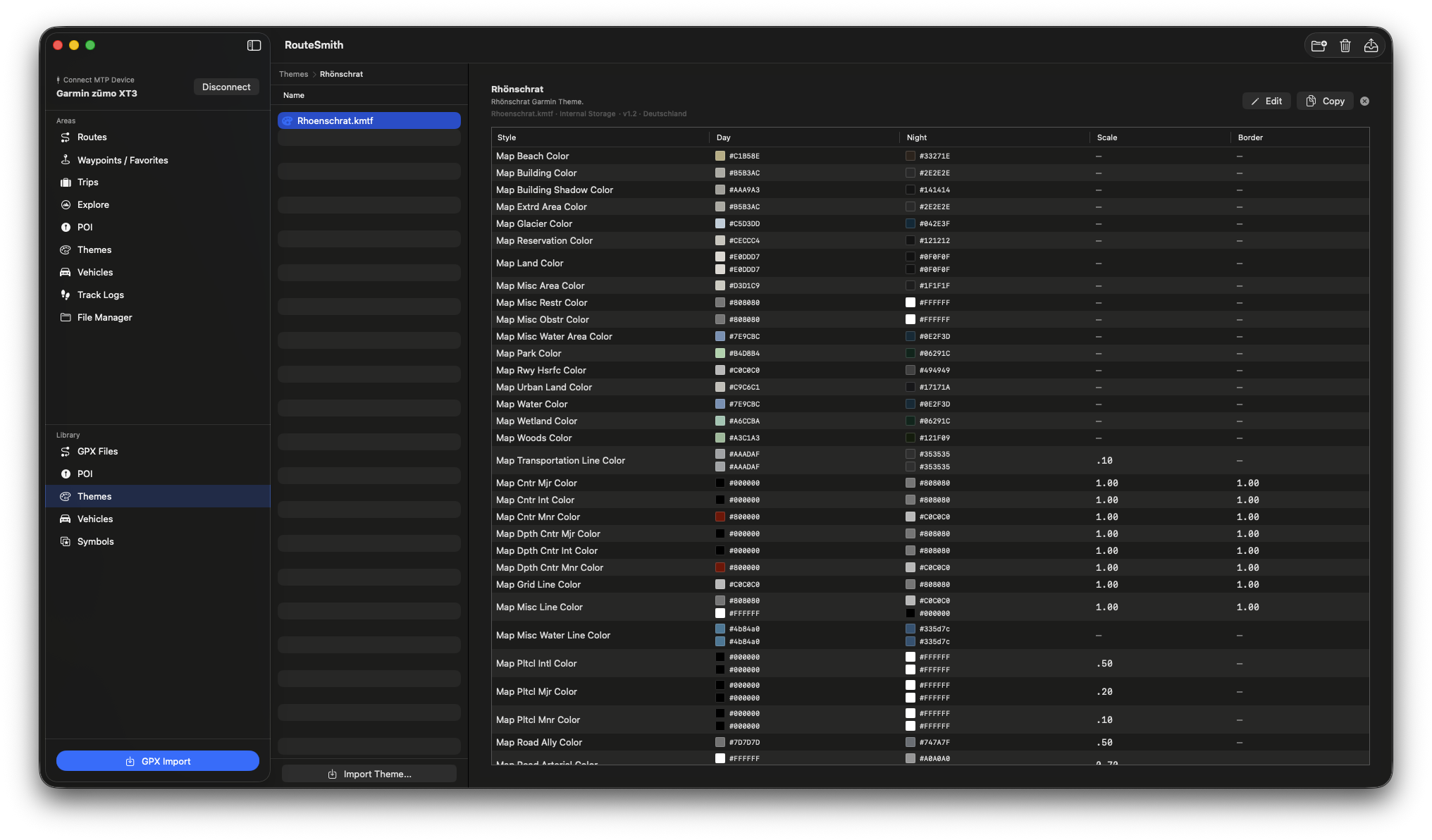
  • Themes – View and edit map themes (.kmtf).
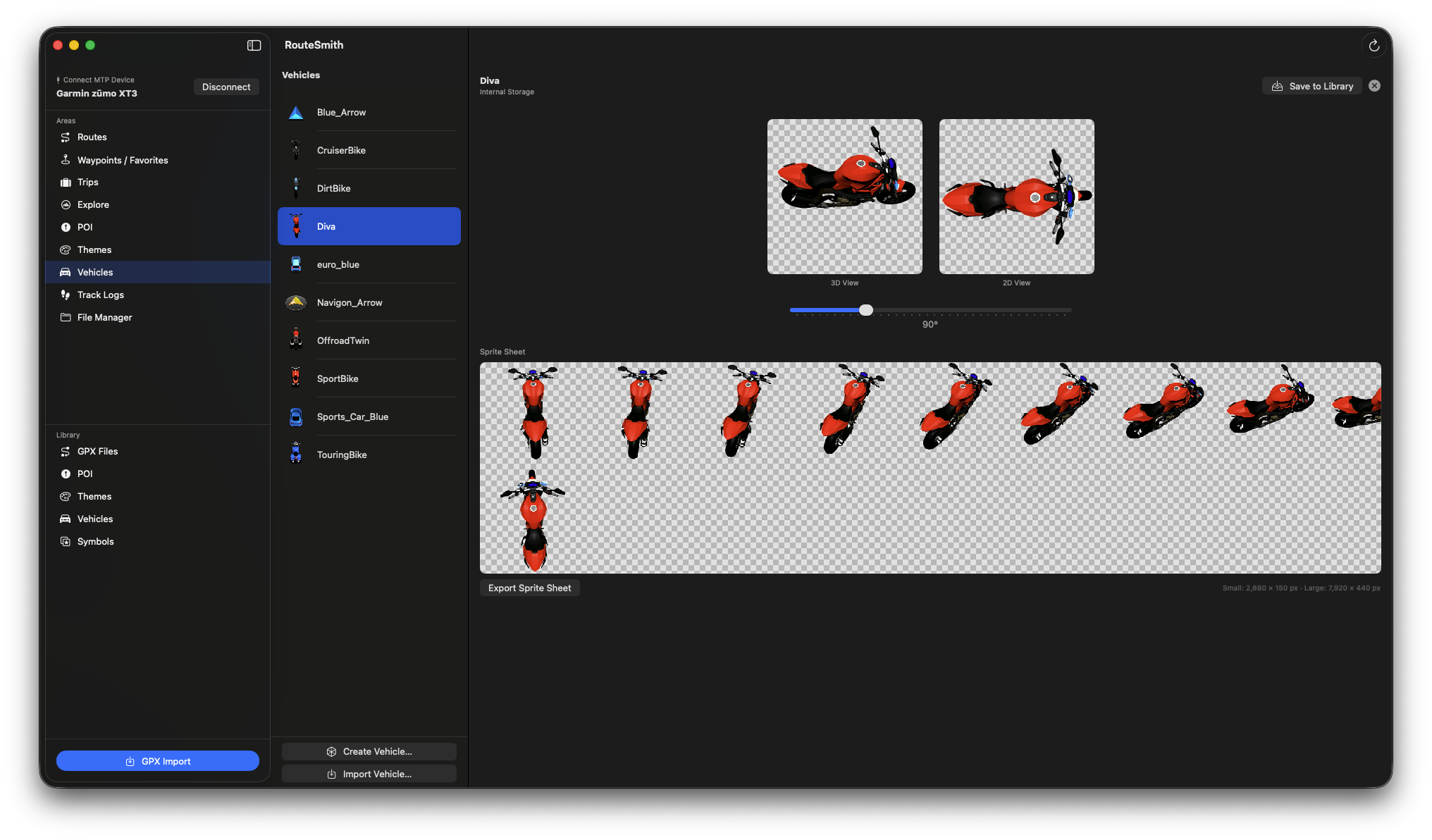
  • Vehicle icons – Browse, export, and create new 3D vehicle icons for your zūmo — from a PNG or rendered directly from a 3D model.
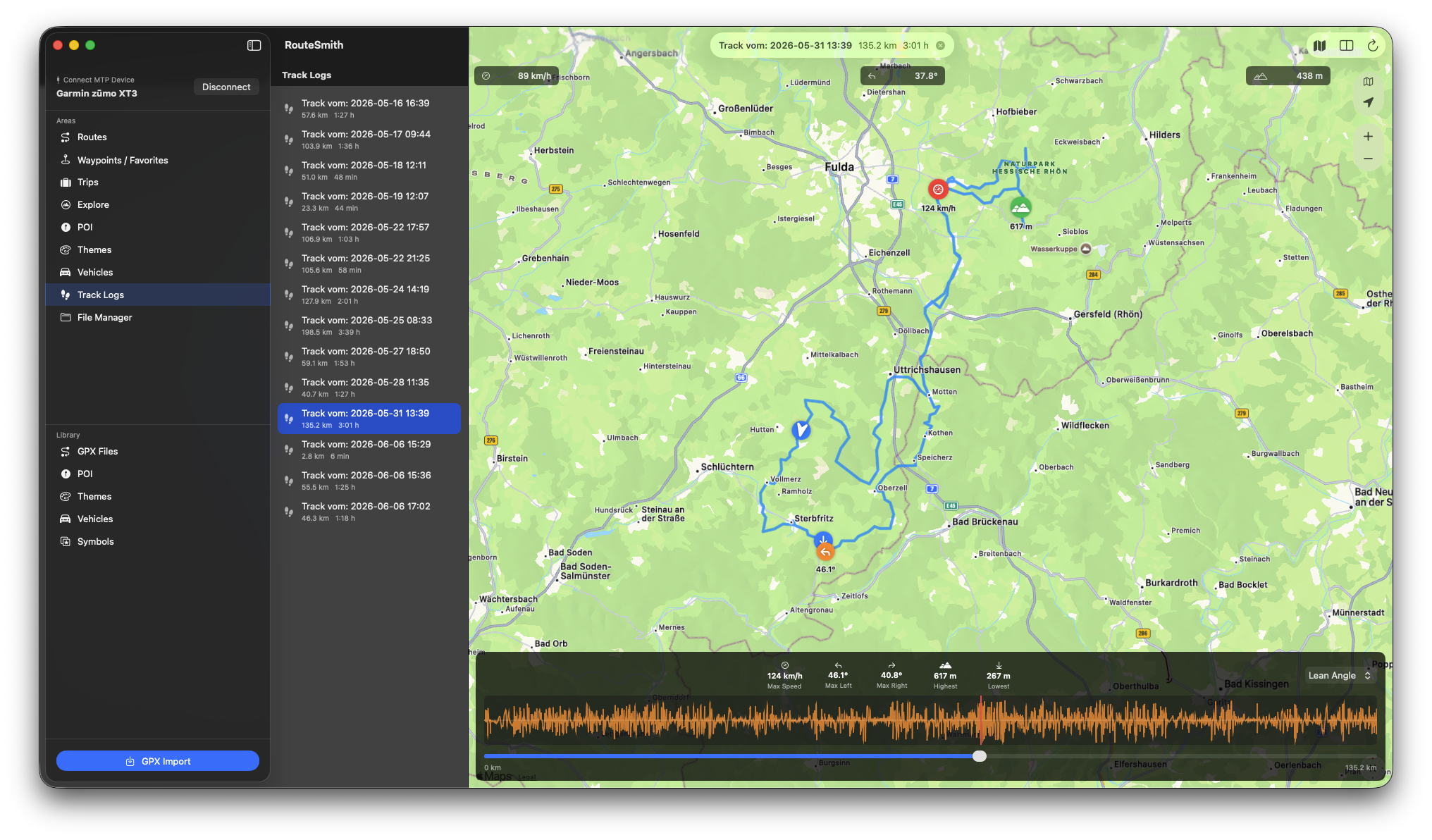
  • Analyse ride recordings – Play back your rides on a map with elevation profile, statistics, and (on the XT3) additional data such as lean angle and acceleration.
  • Personal library – A device-independent collection for your GPX files, POIs, themes, symbols, and vehicles — always at hand, regardless of which device is connected.
  • Open in Kurviger – Send a route to the Kurviger planner with a single click.
  • Fully offline – No cloud, no server connection, no account. Your data stays on your Mac.

🧭 Which devices does RouteSmith support?

RouteSmith is designed for the Garmin models zūmo XT, zūmo XT2, and zūmo XT3 — these are the devices the app is built to work with.

Older zūmo devices (before the XT generation) are not supported.

🔧 Standard and advanced features

RouteSmith works with any supported zūmo (XT, XT2, XT3) out of the box. Users who unlock the hidden .System folder on their device also get access to trip files and the Explore database. The app detects this automatically — and will walk you through the steps if needed.

💡 How the app came about

RouteSmith grew out of my own need: I wanted to get my prepared rides cleanly onto my zūmo and manage the device properly, without having to deal with awkward workarounds. What started as a few small utilities gradually became a full app — one I now use myself every day and am happy to share with others.

Device management via MTP
Explore database
POI management
Vehicle icons
Ride recordings
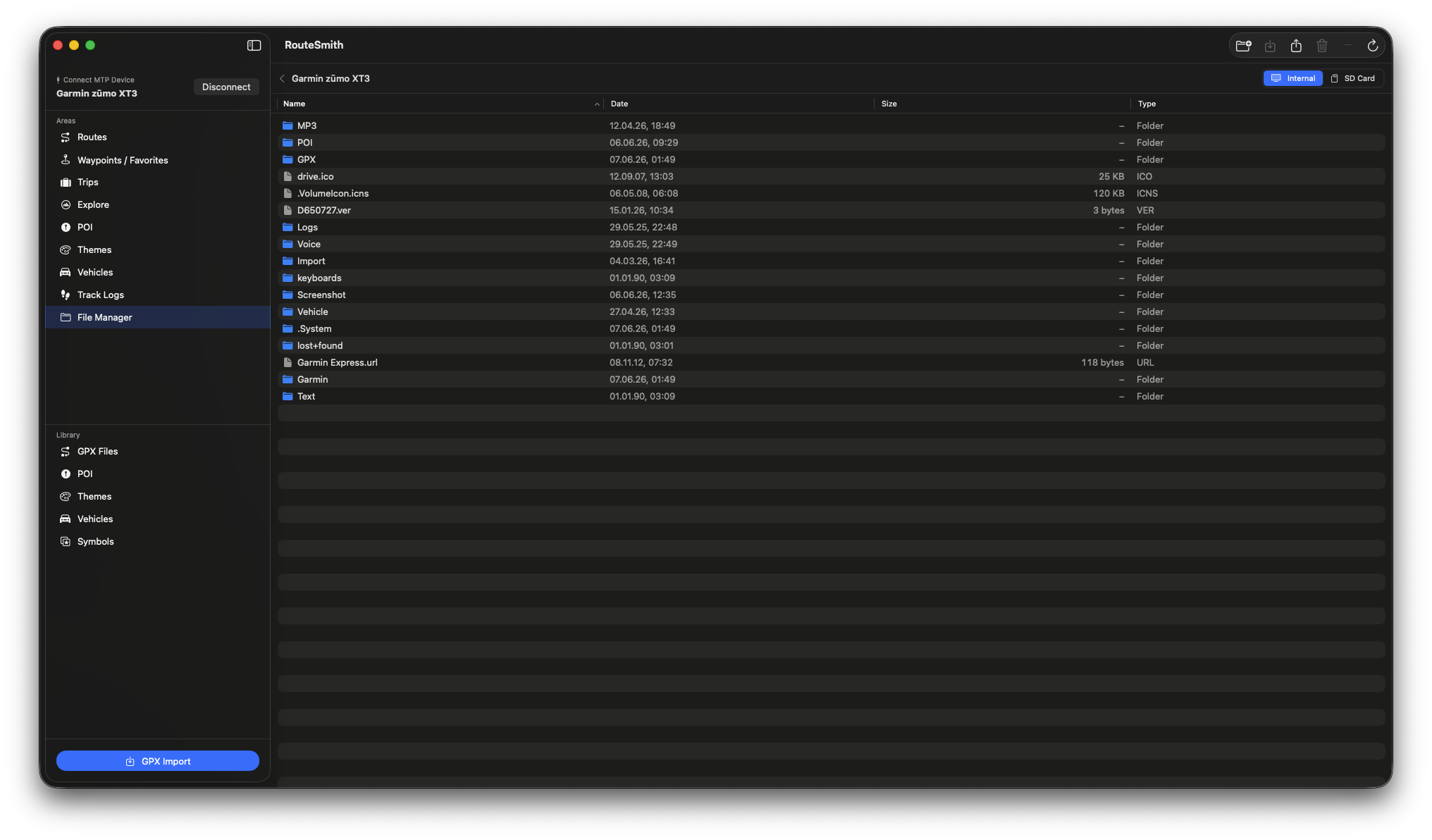
File manager
Map themes
Custom symbols

🔒 Privacy

RouteSmith works entirely offline. No server connections, no cloud, no hidden data transfer. Everything happens locally on your Mac and on your device.

📞 Feedback

Questions, ideas, or found a bug?
I'd love to hear from you — just drop me a mail at: rhoenschrat @ gmail.com